Correct the transcript before styling it. Use a consistent readable position, then preview with the destination platform’s interface in mind.
Auto captions are the first draft
Automatic transcription saves typing, but a confident-looking caption can still mishear a name, number, or technical term. A software tutorial that says “codec” while the caption says “Kodak” becomes less useful even when the typography looks beautiful.
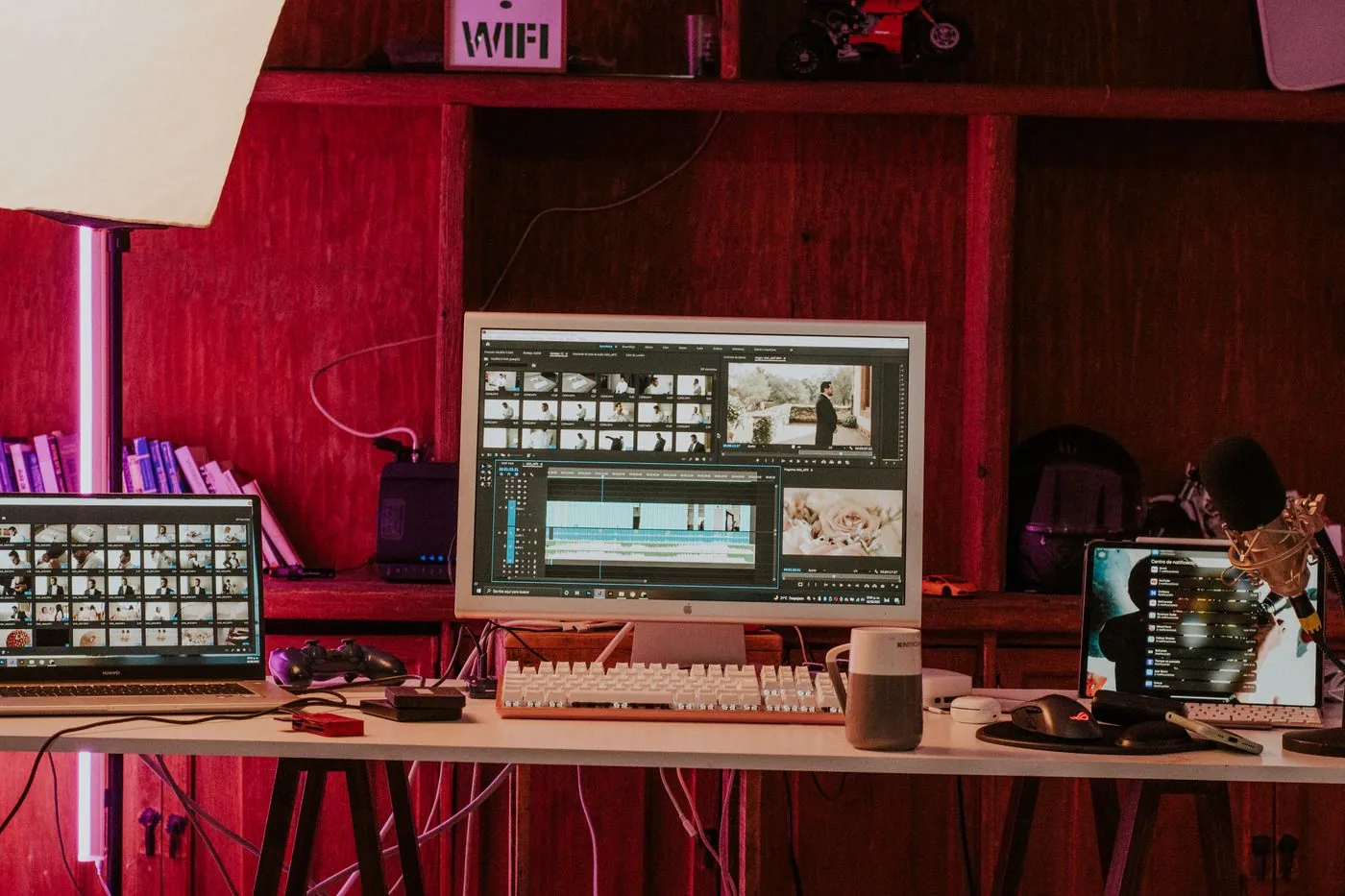
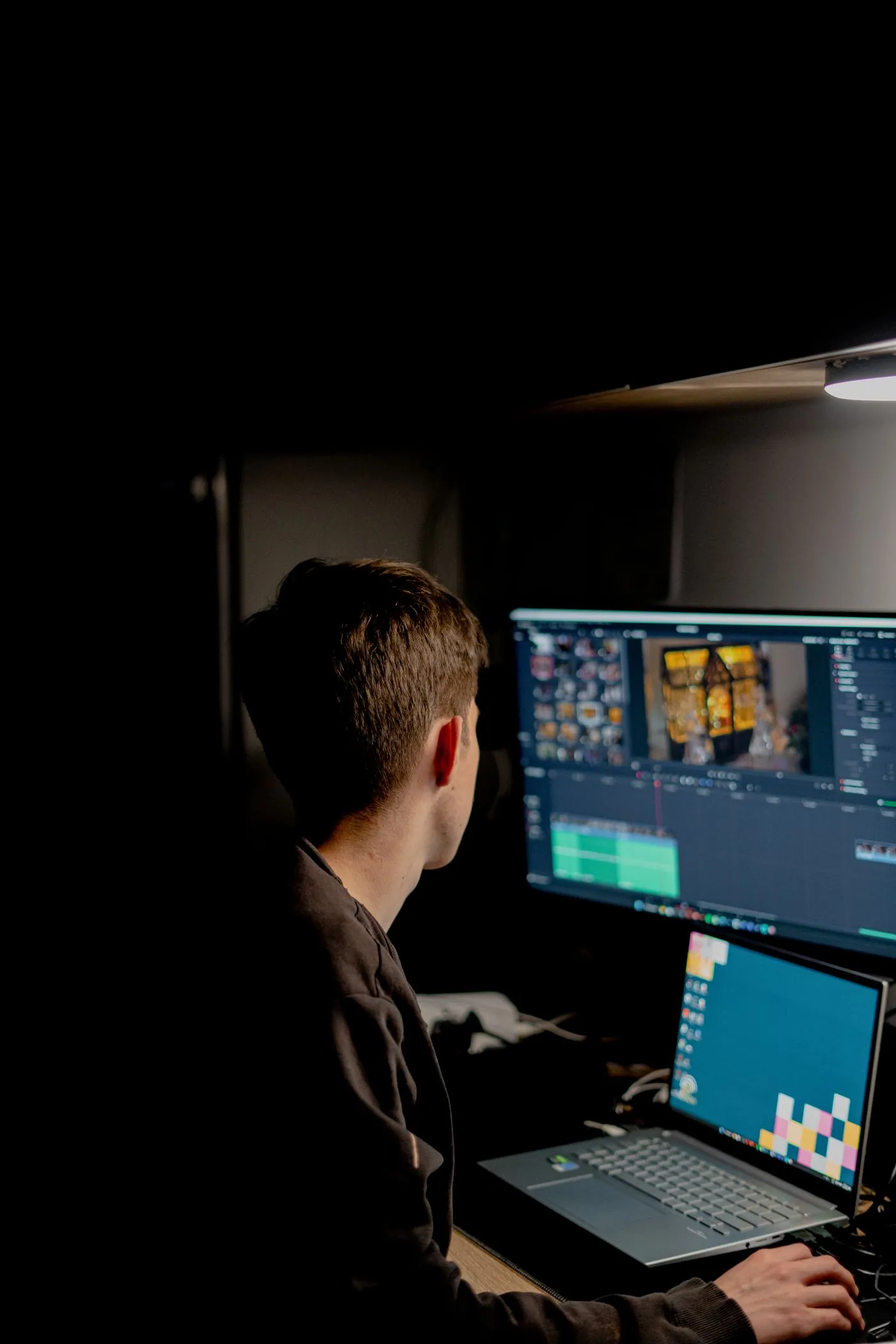
Start with an edited dialogue track. Finish major cuts before generating captions so you do not spend time correcting lines that will be deleted. CapCut’s desktop, mobile, and web interfaces differ; some features require an account, payment, or regional availability. The core sequence is generation, correction, styling, and preview.
Generate and repair the transcript
- Import your clip and place the final dialogue section on the timeline.
- Find Auto captions under Captions or Text, depending on the interface.
- Select the spoken language and the appropriate audio source, then generate.
- Listen through each line and fix names, units, punctuation, and meaningful sound cues where appropriate.
- Split long captions at natural phrase boundaries. Check the start and end against the speech.
Do not shorten a technical instruction until it changes the meaning. “Turn off automatic color management” and “turn off color management” are different directions. Prioritize accurate meaning over keeping every caption the same length.
Design for a small screen
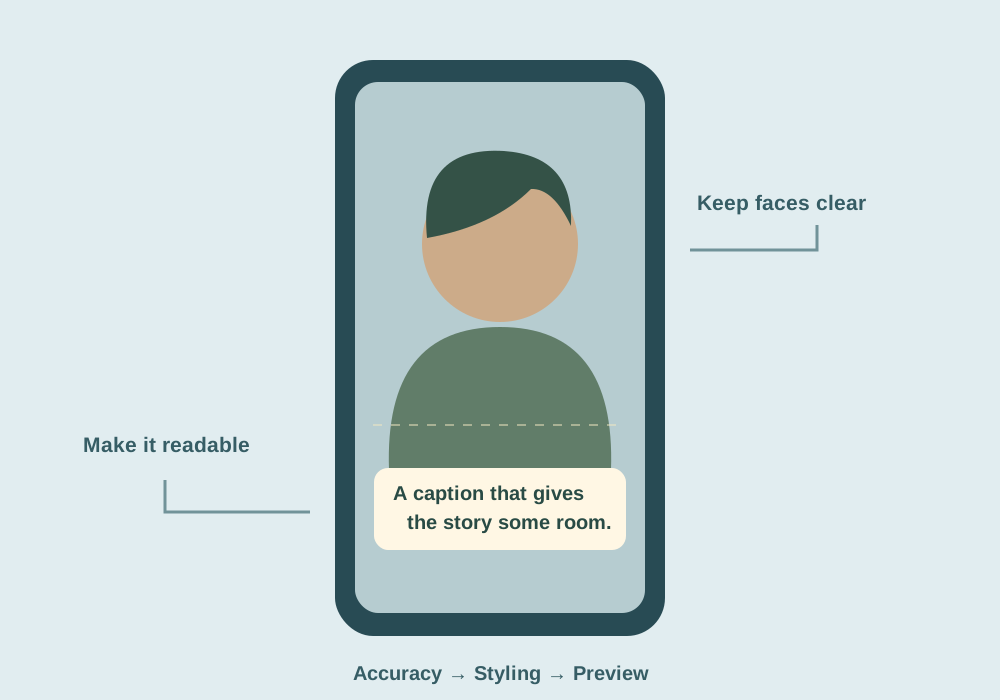
Use a straightforward font with enough weight to hold up after compression. A subtle outline or dark background can separate letters from moving footage. Bright text on a pale shirt is difficult to read even when it looks good over a dark preview frame.
One or two short lines often work better than a paragraph. Font size depends on the video dimensions and framing, so avoid treating a particular point size as universal. Fit the longest corrected line, then inspect the export on a phone at normal size.
Captions should communicate the speech. Use a separate, occasional title for emphasis rather than turning every spoken word into a competing graphic.
Position around the subject and the platform
For a vertical talking head, try a position below the face but above the bottom interface controls. Keep the caption away from hands demonstrating an object. For a screen tutorial, move it away from the exact menu or button you are teaching.
Use a stable default position and move only when the content requires it. Platform buttons, usernames, and descriptions occupy different areas on different devices; there is no one permanent safe-area number that works everywhere. Leave generous margins and preview the destination layout before publishing.
Use an apply-to-all or multi-select styling option when available. After applying it, inspect outliers: the longest sentence, a two-line caption, a shot with a bright background, and a shot where the subject moves down in frame.
Check the export, not just the timeline
Export a short segment containing those difficult captions. Look for cropped descenders, line wraps, flicker, and text that appears before its spoken phrase. If music makes the spoken words harder to hear, captions can help, but they are not a substitute for a clear audio mix.
Burned-in captions become part of the video picture. A separate subtitle file, when your version and destination support it, lets viewers or platforms control display. Keep the corrected transcript in a separate text file so future edits do not depend entirely on one app project.
Common questions
Where did Auto captions move?
Its location differs across CapCut desktop, mobile, and web versions. Look under Captions or Text and consult the current app help.
Are animated word-by-word captions always better?
No. They can work for short emphasis, but constant movement can distract from a demonstration and make longer instructions harder to follow.
Sources & further reading
Written for ToolWillow with original explanations and examples. Consult current product documentation for controls that vary by version.