Audio cleanup, recording and sync guides
Before processing the sound, identify whether the problem comes from capture, routing, timing or the mix. These workflows preserve a way back to the original and include checks for what a repair may remove.
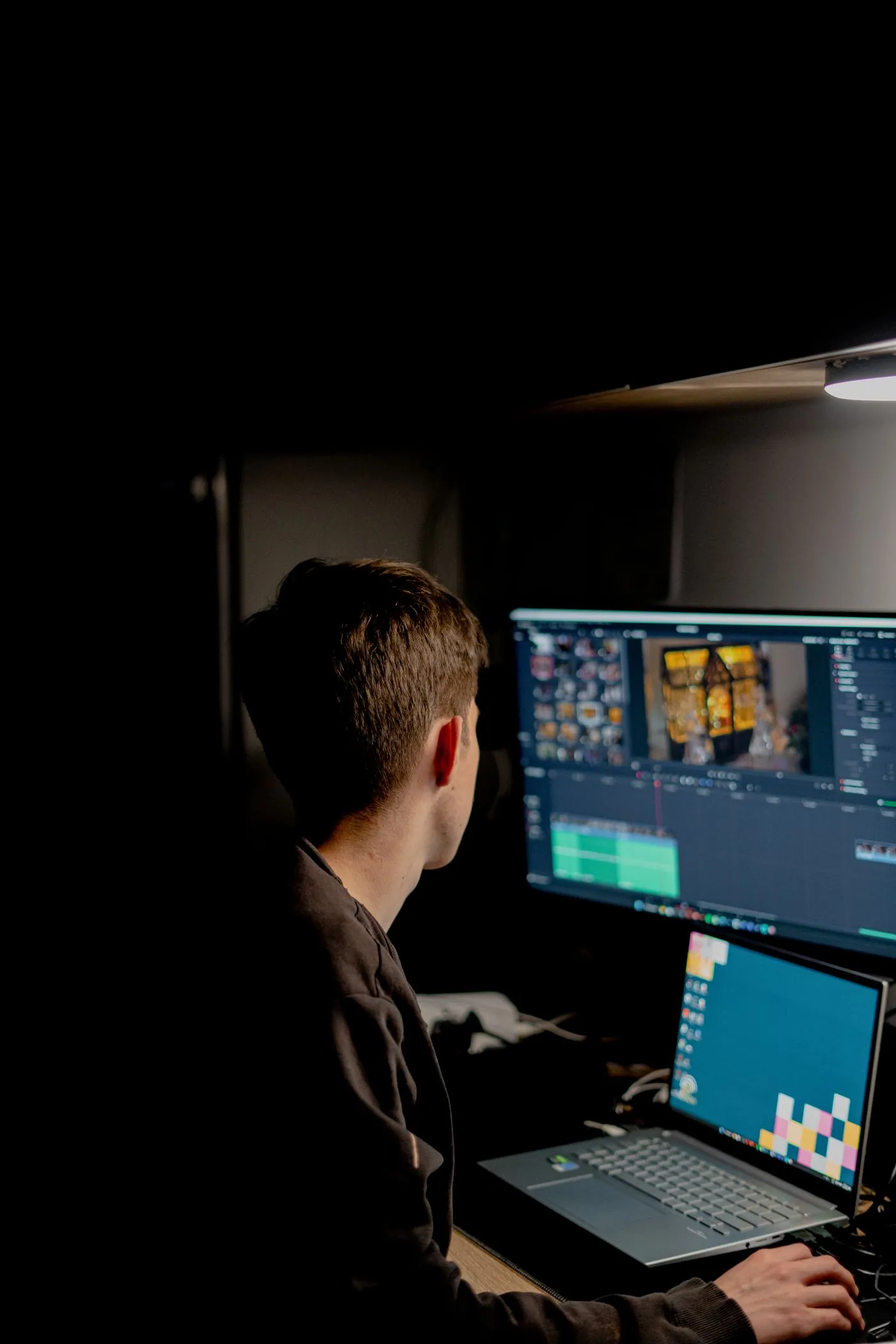
Separate your mic and game sound in OBS
Build a three-track OBS recording that plays normally and still lets you fix voice and game levels independently in the edit.
Read article
A screen recording that slowly slips out of sync
Separate a fixed sync offset from progressive drift, then make a constant-frame-rate editing copy without changing the recording speed.
Read articleRemove less noise to keep a better voice
Capture a useful noise profile in Audacity, audition the removed sound, and stop before breathy words turn metallic or watery.
Read articleMake music move around the words
Use deliberate volume automation for a short voice-led edit, then diagnose rushed fades, breathing music and dialogue that still feels buried.
Read articleTools for this workflow
Audio converter
Convert a recording to MP3, WAV, M4A or FLAC for editing, sharing or playback.
Audio trimmer
Cut an audio recording to the section you need, with optional short fades at the edges.
Extract audio
Save the audio from a video as MP3, WAV, M4A or FLAC. Select a track when the video has more than one.